
Maximize Performance with Budget-Friendly Computer Parts

In today's fast-paced digital world, having a powerful computer is essential for both work and play. However, building or upgrading a PC can often come with a hefty price tag. The good news is that you can maximize your computer's performance without breaking the bank. This guide will explore budget-friendly computer parts that deliver excellent performance, ensuring you get the most out of your investment.
Understanding Your Needs
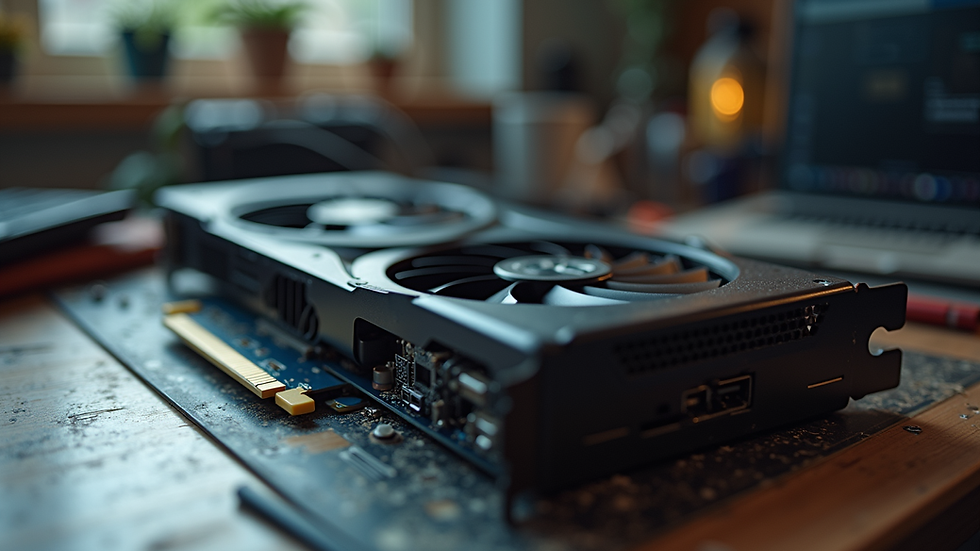
Before diving into specific components, it's crucial to assess your needs. Are you a gamer, a content creator, or someone who just needs a reliable machine for everyday tasks? Understanding your primary use case will help you prioritize which parts to invest in.
Gaming
If gaming is your primary focus, you'll want to invest in a good graphics card and a decent CPU. Look for parts that offer the best performance-to-price ratio. For example, the AMD Ryzen 5 series and NVIDIA GTX 1660 Super are excellent choices for budget gamers.
Content Creation
For content creators, a powerful CPU and ample RAM are essential. The AMD Ryzen 7 series provides excellent multi-threaded performance, making it ideal for video editing and rendering tasks. Pair it with at least 16GB of RAM for smooth multitasking.
Everyday Use
If your needs are more basic, such as browsing the web or using office applications, you can save money by opting for integrated graphics and a mid-range CPU. The Intel Core i3 or AMD Ryzen 3 series can handle everyday tasks efficiently.
Choosing the Right Components
Now that you understand your needs, let's explore specific components that can help you maximize performance on a budget.
Central Processing Unit (CPU)
The CPU is the heart of your computer. Here are some budget-friendly options:
AMD Ryzen 5 5600G: This APU offers integrated graphics, making it a great choice for budget builds. It provides excellent performance for both gaming and productivity tasks.
Intel Core i5-11400: Known for its strong single-threaded performance, this CPU is perfect for gaming and general use.
Graphics Card (GPU)
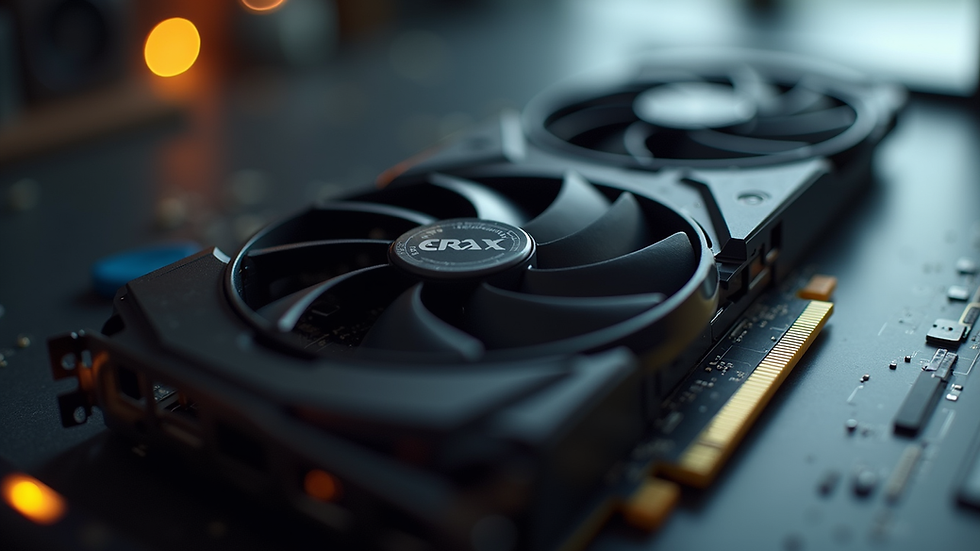
A good GPU is essential for gaming and graphic-intensive tasks. Consider these options:
NVIDIA GTX 1660 Super: This card offers great performance for 1080p gaming without a high price tag.
AMD Radeon RX 6500 XT: A solid choice for budget gamers, it provides decent performance for modern titles.
Memory (RAM)
Having enough RAM is crucial for smooth performance. Here’s what to look for:
16GB DDR4: This is the sweet spot for most users. Brands like Corsair and G.Skill offer reliable options at competitive prices.
8GB DDR4: If you're on a tighter budget, 8GB can suffice for basic tasks, but consider upgrading later.
Storage Solutions
Storage can significantly impact your system's performance. Here are some budget-friendly options:
SSD (Solid State Drive): Upgrading to an SSD can drastically improve boot times and application loading. Look for a 500GB SATA SSD from brands like Crucial or Samsung.
HDD (Hard Disk Drive): For larger storage needs, a 1TB HDD is a cost-effective solution for storing files and games.
Motherboard
Choosing the right motherboard is essential for compatibility and future upgrades. Consider these options:
ASUS TUF Gaming B550-PLUS: This motherboard offers great features for the price, including support for PCIe 4.0 and good VRM cooling.
MSI B450M PRO-VDH MAX: A budget-friendly option that supports Ryzen CPUs and offers decent performance for everyday tasks.
Power Supply Unit (PSU)
A reliable PSU is crucial for system stability. Look for:
EVGA 600 W1: This power supply offers good efficiency and reliability at a budget price.
Corsair CV450: A solid choice for lower power builds, providing enough wattage for most budget setups.
Case
Don’t overlook the importance of a good case. It should provide adequate airflow and space for your components. Consider:
NZXT H510: A stylish and functional case that offers good airflow and cable management.
Cooler Master MasterBox Q300L: An affordable option with a compact design, perfect for budget builds.
Building Your PC
Once you’ve selected your components, it’s time to build your PC. Here’s a step-by-step guide:
Prepare Your Workspace: Ensure you have a clean, static-free environment to work in.
Install the CPU: Carefully place the CPU into the motherboard socket, aligning the notches.
Add RAM: Insert the RAM sticks into the appropriate slots, ensuring they click into place.
Install the Motherboard: Secure the motherboard into the case using screws.
Install the GPU: Insert the graphics card into the PCIe slot and secure it with screws.
Connect Storage: Attach your SSD and HDD to the motherboard and power supply.
Connect Power Supply: Ensure all necessary power cables are connected to the motherboard and components.
Cable Management: Tidy up cables to improve airflow and aesthetics.
Power On: Turn on your PC and enter the BIOS to ensure all components are recognized.
Optimizing Performance
After building your PC, there are several ways to optimize its performance:
Update Drivers
Ensure all drivers, especially for the GPU, are up to date. This can significantly improve performance and stability.
Overclocking
If you're comfortable with it, consider overclocking your CPU and GPU for additional performance. Be cautious and monitor temperatures to avoid overheating.
Regular Maintenance
Keep your system clean and dust-free. Regularly check for software updates and perform disk cleanups to maintain optimal performance.
Conclusion
Building a high-performance computer on a budget is entirely achievable with the right components and knowledge. By carefully selecting parts that fit your needs and optimizing your system, you can enjoy a powerful computing experience without overspending. Whether you're gaming, creating content, or simply browsing the web, these budget-friendly computer parts will help you maximize performance and get the most out of your investment.
Take the first step today by assessing your needs and exploring the options available. Happy building!
Comments