
Top Computer Parts for Affordable Upgrades

Upgrading your computer doesn't have to break the bank. With the right parts, you can significantly enhance your system's performance without spending a fortune. Whether you're a gamer looking to boost frame rates, a content creator needing faster rendering times, or just someone who wants a smoother experience for everyday tasks, there are several key components that can make a big difference. In this blog post, we will explore the top computer parts for affordable upgrades, helping you make informed decisions that fit your budget.
Understanding Your Needs
Before diving into specific components, it's essential to understand your needs. Different users have different requirements based on their usage patterns. Here are some common scenarios:
Gaming: If you play demanding games, you'll want to focus on upgrading your graphics card and RAM.
Content Creation: For video editing or graphic design, a faster CPU and more RAM can make a significant difference.
General Use: If you mainly browse the web and use office applications, a solid-state drive (SSD) can improve your system's responsiveness.
Identifying your primary use case will help you prioritize which parts to upgrade.
Graphics Card
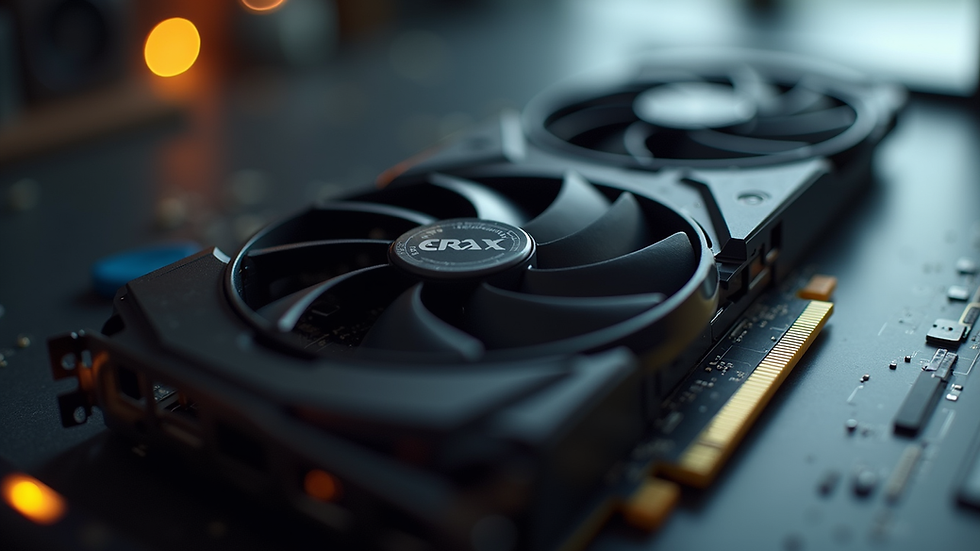
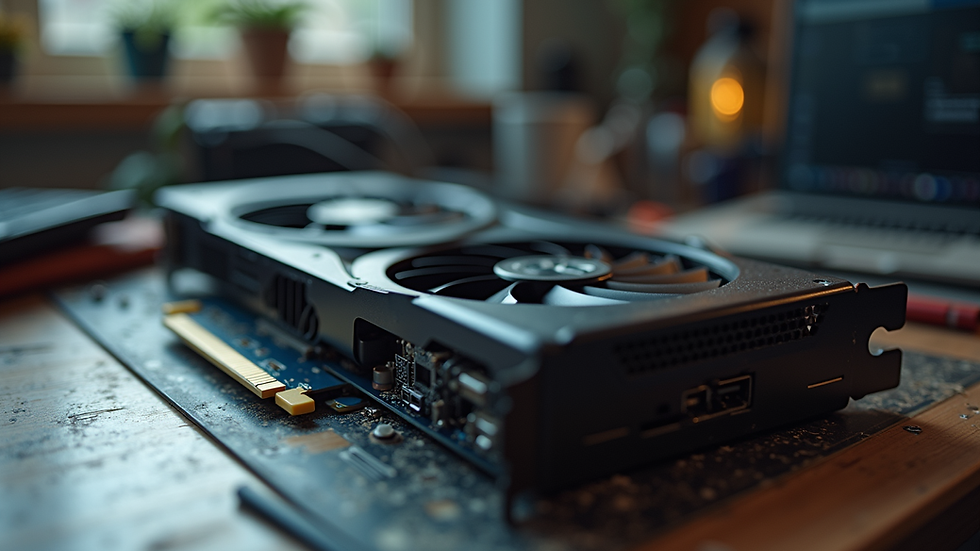
One of the most impactful upgrades you can make is to your graphics card. A powerful GPU can enhance gaming performance and improve rendering times for creative applications. Here are some affordable options:
NVIDIA GeForce GTX 1660 Super: This card offers excellent performance for 1080p gaming and is often available at a reasonable price.
AMD Radeon RX 5600 XT: Another great choice for gamers, this card provides solid performance and is often priced competitively.
When upgrading your GPU, ensure that your power supply can handle the new card's requirements.
RAM
Upgrading your RAM is one of the easiest and most cost-effective ways to improve your computer's performance. More RAM allows your system to handle multiple applications simultaneously without slowing down. Consider the following:
8GB vs. 16GB: For most users, 8GB is sufficient. However, if you run memory-intensive applications or games, upgrading to 16GB can provide a noticeable improvement.
Speed Matters: Look for RAM with higher speeds (measured in MHz). Faster RAM can improve performance, especially in gaming and content creation.
Solid-State Drive (SSD)
If your computer is still using a traditional hard drive (HDD), upgrading to an SSD can dramatically improve boot times and application loading speeds. Here are some options:
Samsung 970 EVO Plus: Known for its speed and reliability, this NVMe SSD is a great choice for those looking to upgrade.
Crucial MX500: A more budget-friendly SATA SSD that still offers excellent performance for everyday tasks.
Switching to an SSD can breathe new life into an older system, making it feel much faster and more responsive.
CPU
While upgrading your CPU can be more complex and costly, it can also yield significant performance gains. If you're considering this upgrade, keep the following in mind:
Compatibility: Ensure that your new CPU is compatible with your motherboard. Check the socket type and chipset.
Performance Needs: If you're primarily gaming, a mid-range CPU like the AMD Ryzen 5 5600X or Intel Core i5-11400 can provide excellent performance without breaking the bank.
Motherboard
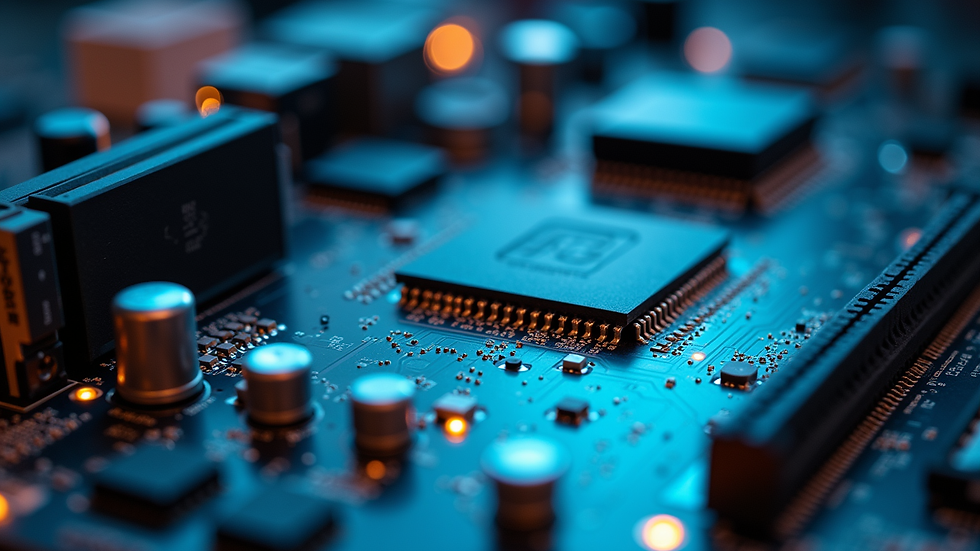
If you're upgrading your CPU, you may also need to upgrade your motherboard. A new motherboard can offer better features, such as support for faster RAM or additional connectivity options. Here are some considerations:
Form Factor: Ensure that the motherboard fits in your case (ATX, Micro-ATX, etc.).
Features: Look for features that suit your needs, such as USB-C ports, Wi-Fi support, or multiple M.2 slots for SSDs.
Power Supply Unit (PSU)
When upgrading components, especially the GPU and CPU, it's crucial to ensure that your power supply can handle the increased power requirements. Here’s what to consider:
Wattage: Choose a PSU with enough wattage to support all your components, ideally with some headroom for future upgrades.
Efficiency Rating: Look for a PSU with an 80 PLUS certification for better energy efficiency and reliability.
Cooling Solutions
Upgrading your cooling system can help maintain optimal temperatures, especially if you're overclocking your CPU or GPU. Here are some options:
Air Coolers: Brands like Noctua and Cooler Master offer excellent air cooling solutions that are both effective and quiet.
Liquid Cooling: If you're looking for more advanced cooling, consider an all-in-one liquid cooler, which can provide superior cooling performance.
Conclusion
Upgrading your computer can significantly enhance its performance without requiring a complete overhaul. By focusing on key components like the graphics card, RAM, SSD, CPU, motherboard, power supply, and cooling solutions, you can achieve a more powerful and responsive system.
Before making any purchases, assess your specific needs and budget. With careful planning and the right upgrades, you can enjoy a better computing experience without overspending. Start by identifying which components will give you the most significant performance boost for your particular use case, and take the first step towards a more powerful computer today.
Comments